◐
White Ink Control
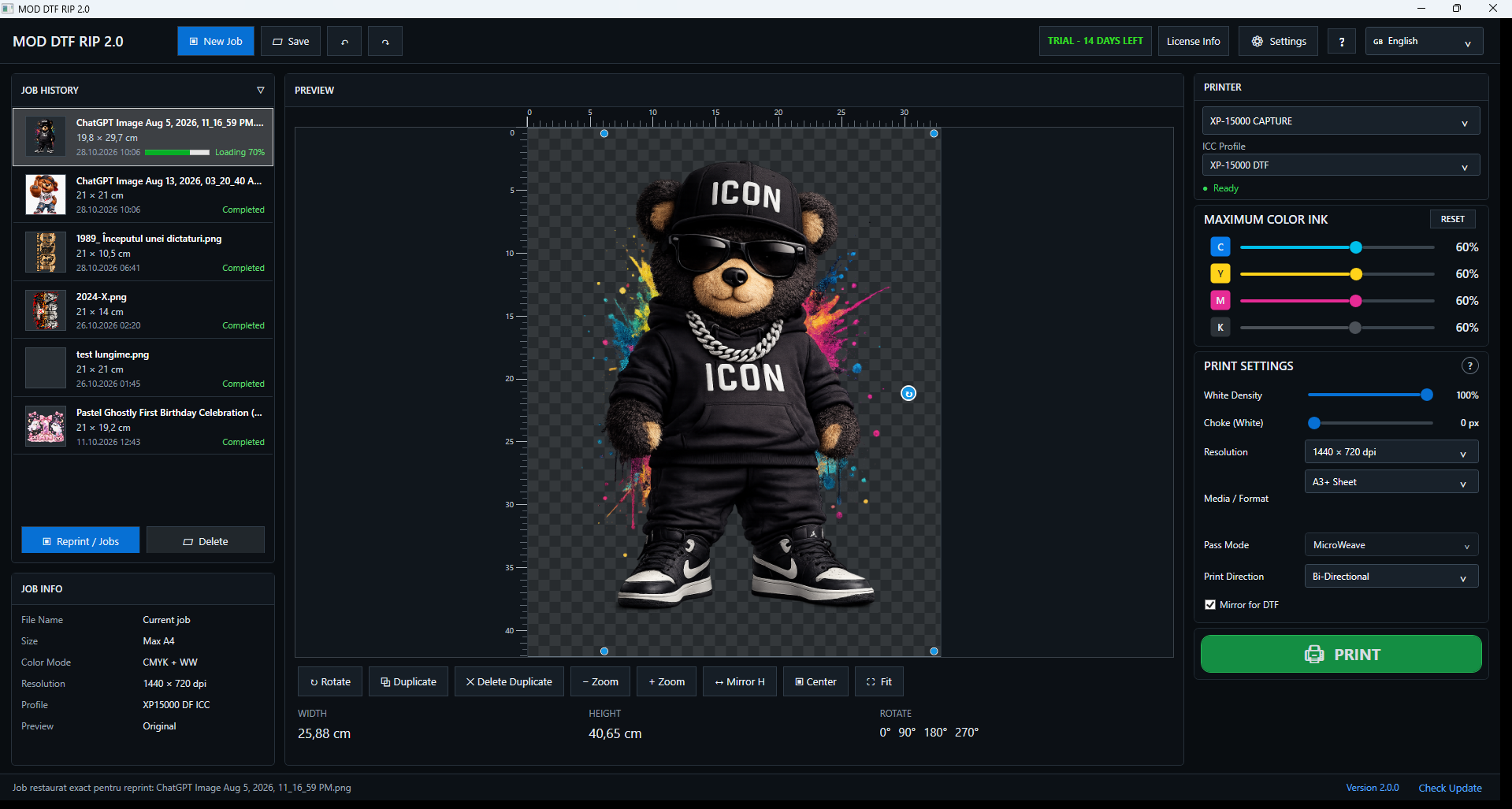
Adjust white density and choke directly from the production interface.
MOD DTF RIP 2.0 combines white-ink control, ICC workflow, CMYK ink control, job history, exact reprint, choke, mirror and practical production tools in one clean interface.
Current version 2.0.0 • Windows 10/11 64-bit • Epson XP-15000
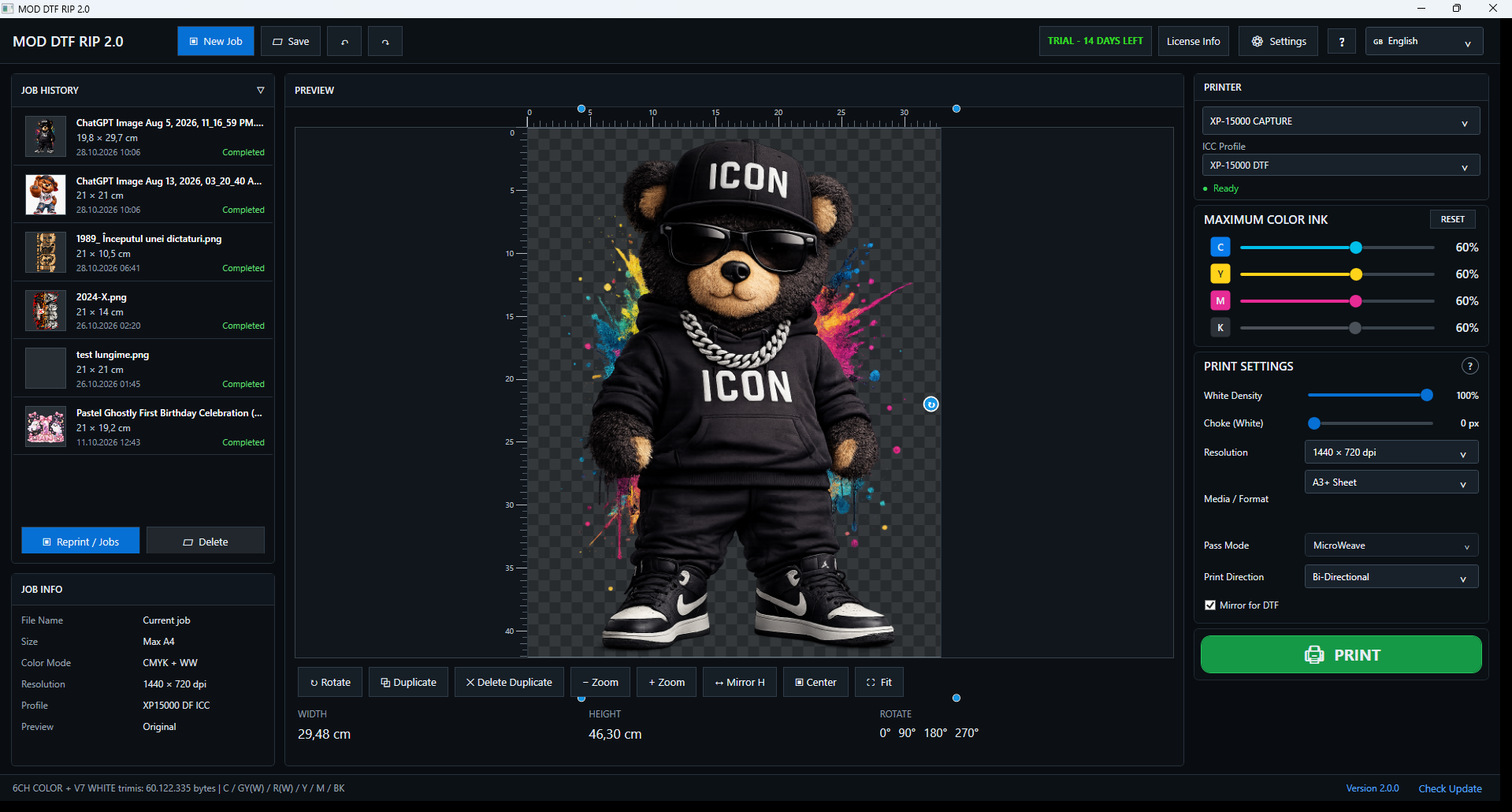
Adjust white density and choke directly from the production interface.
Select ICC profiles while keeping color workflow settings accessible for each job.
Fine-tune C, Y, M and K ink levels from dedicated controls.
Visual job history with thumbnails keeps previous production jobs easy to find.
Return to a previous job and reproduce its saved job setup without rebuilding the layout.
Mirror, choke, sizing, rotation, duplicate, zoom and positioning tools in one workspace.
These are real screenshots from the current MOD DTF RIP 2.0 build.
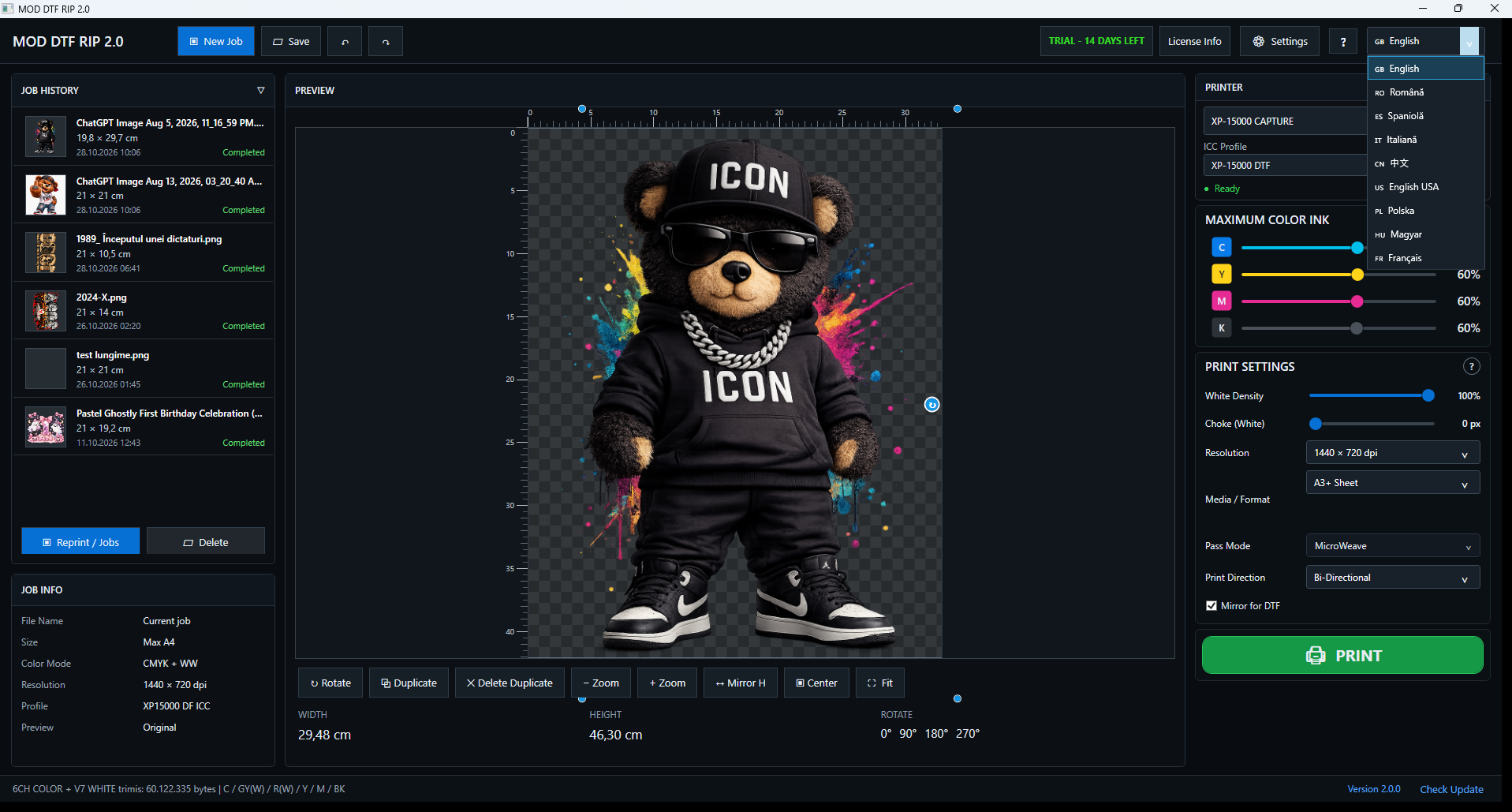
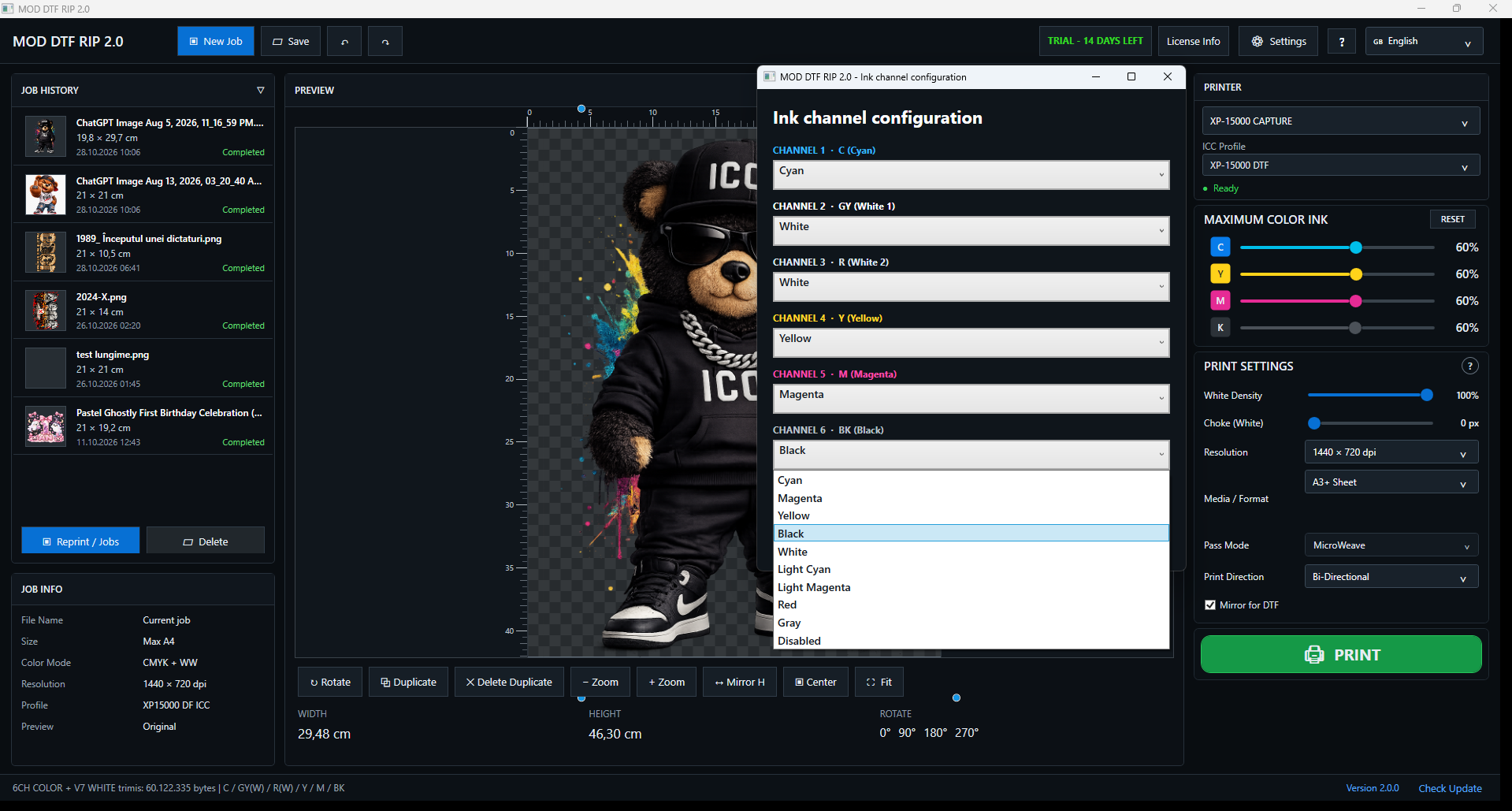
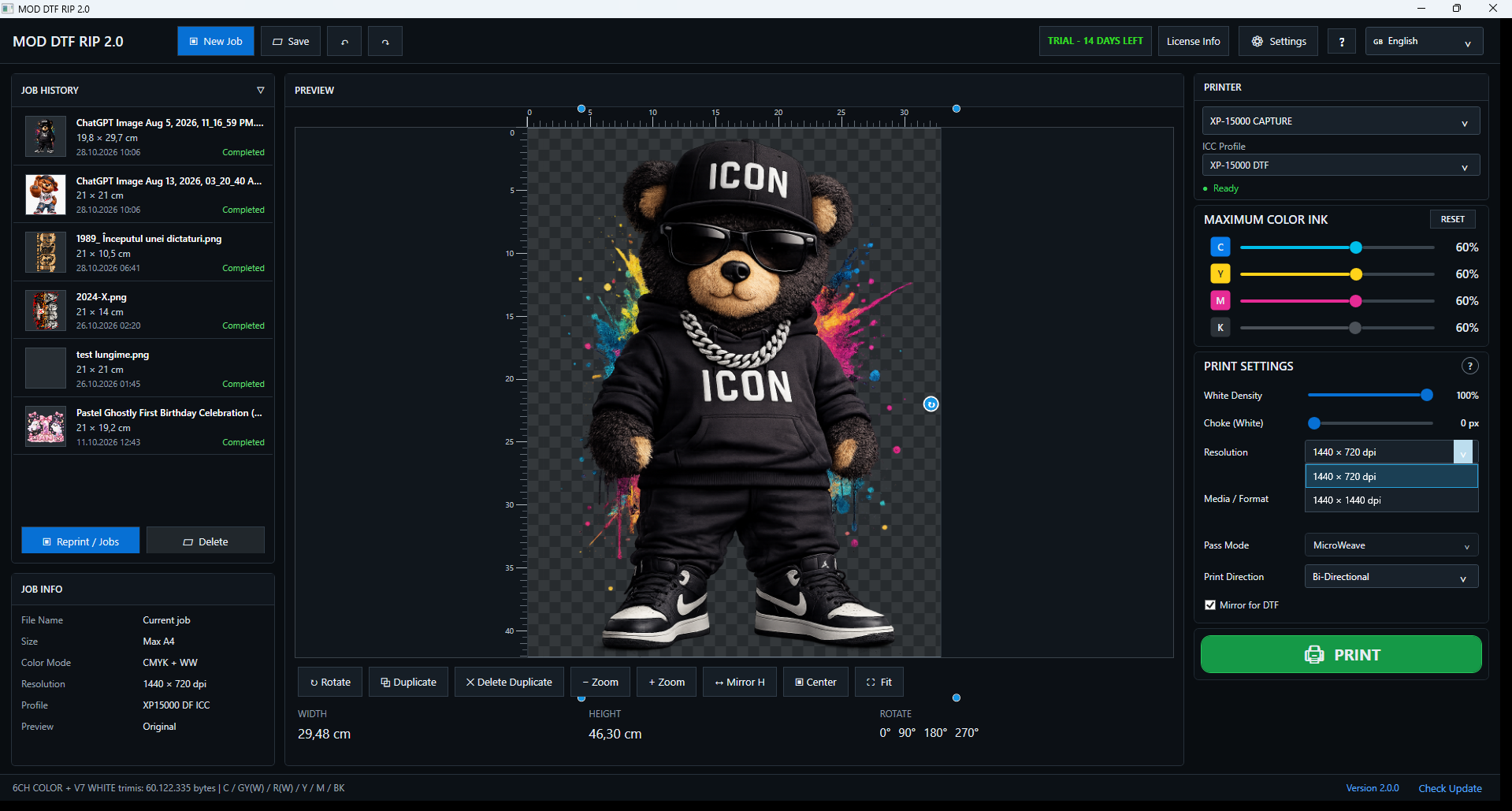
The current MOD DTF RIP 2.0 release is designed around Epson XP-15000 DTF workflows. More printer models may be added after validation.
MOD DTF RIP is independent software and is not affiliated with, endorsed by, or an official product of Epson.
Supported printerEpson XP-15000
Operating systemWindows 10 / 11, 64-bit
WorkflowDTF / converted printer
MediaA4 / A3 / A3+ (supported layouts)
Print directionBi / Uni-directional
RequiredEpson driver installed
Converted printers must have the physical DTF conversion and ink-channel configuration set up correctly.Current release: 2.0.0 • Windows 10/11 64-bit • Epson XP-15000
The latest Windows installer is available from the Download section. Keep your current settings backed up before installing a newer release.
MOD DTF RIP includes a 15-day free trial. After the trial, a paid subscription is required to continue printing with the software.
The current release supports the Epson XP-15000 DTF workflow. Other printer models should not be considered supported until officially validated and announced.
Yes. The interface includes white-density, choke and configurable ink-channel controls intended for converted DTF workflows.
Yes. MOD DTF RIP includes ICC profile selection. Results still depend on the profile, printer, ink, film and production setup you use.
It is designed for Epson XP-15000 DTF workflows. Your physical conversion, Epson driver and ink-channel configuration must be set up correctly.
Additional printer support may be added after testing and validation. Only models listed as supported on this page should be treated as compatible.
Yes. Printing requires an internet connection for online licence verification.
A subscription is valid for one registered PC. Licences are not automatically transferable. Contact support if your computer changes.
Use the cancellation option provided for your subscription or contact support@moddtfrip.com. Cancellation stops future renewal; paid access remains available until the end of the paid period, subject to applicable law.
Subscription selection and payment start inside the MOD DTF RIP application. Secure checkout is handled by Stripe; this website does not collect card payments.
Download the latest installer from this page, close the application and run the installer. Check your configuration after updating.
For installation, licensing, subscription or compatibility questions, contact MOD DTF RIP support.
Email: support@moddtfrip.com
For help, include your Windows version, printer model, software version and a description of the issue. Do not send passwords or card details.